This version of the Wurst Hacked Client is available for Minecraft 26.1, 1.21.11, 1.21.10 and 1.21.8, as well as snapshots 26.1-rc-3 and 26.1-rc-2.
Changelog
-
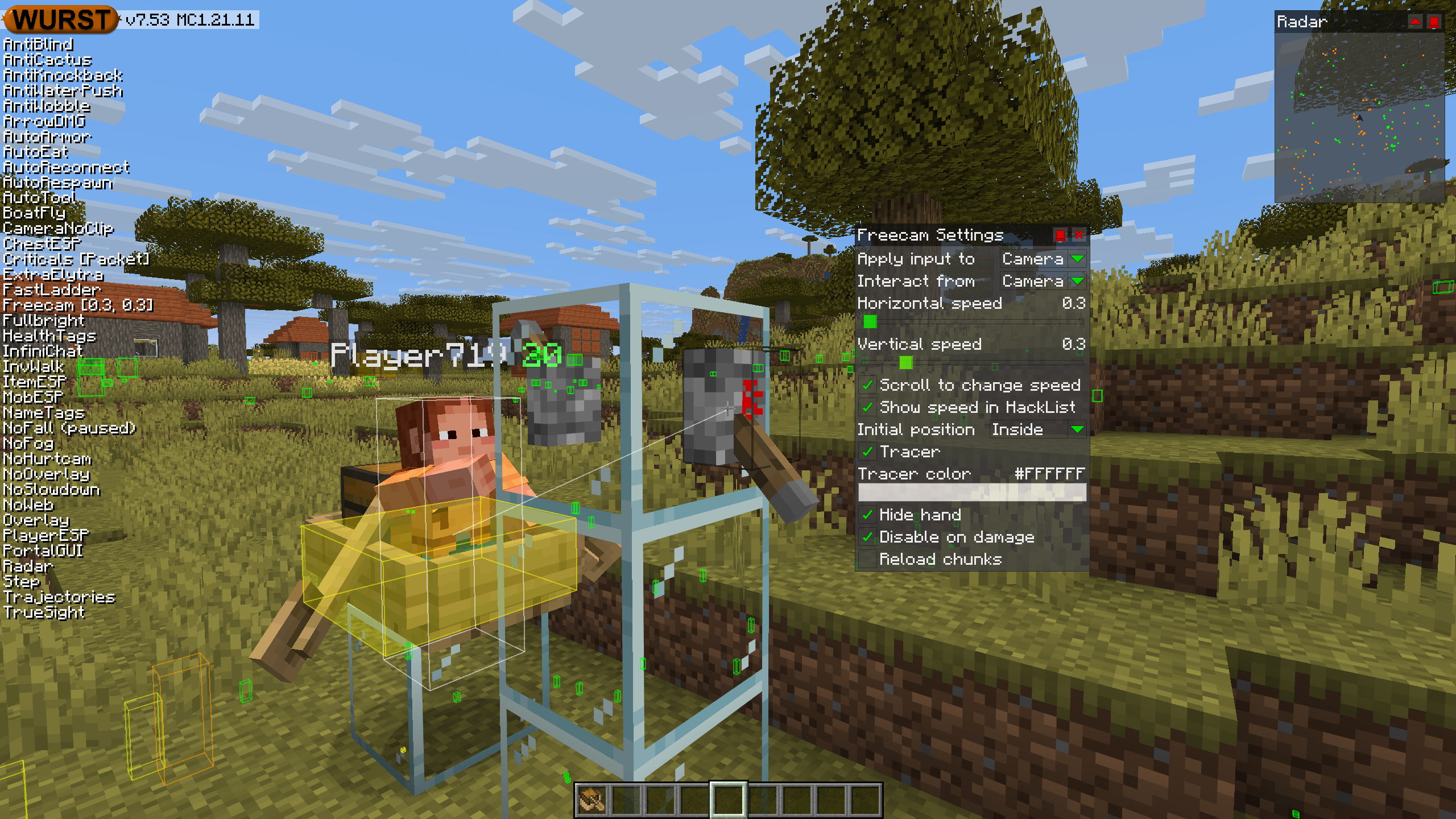
Added an “Interact from” setting to Freecam. When changed to “Camera”, this allows you to interact with blocks and entities from the camera like Freecam did in older versions of Wurst. (#1300, /d/1491, /d/1505)
-
Added a “Reload chunks” checkbox to Freecam. Turning this off improves performance but can cause visual holes in the world. (#6 (WI Freecam))
-
Fixed Freecam affecting vehicles in Camera input mode. (#4 (WI Freecam))
-
Fixed some chunks being invisible while using Freecam or X-Ray with Sodium installed. (/d/1502)
-
Fixed AutoBuild, AutoFarm, BuildRandom, and InstaBuild opening interactive blocks (chest/sign/etc.) instead of placing a block against them. (#1075, #1081, /d/1497)
-
Added “Face target” and “Swing hand” settings to AutoBuild. (/d/1524)
-
Fixed ores being dark when using X-Ray with Iris installed. (#1026, #1099, /d/1497)
-
Added mouse button support to Wurst’s keybind system. (#808, #1044, /d/1509)
-
Fixed keys in Wurst’s keybind editor not being displayed the same way as in Minecraft’s controls menu.
-
Changed
SectionOcclusionGraphMixinto use@WrapOperationinstead of@Redirectfor better compatibility with other mods. No specific compatibility issues found, just making sure Wurst follows best practices. -
Fixed NoSlowdown no longer preventing item use slowness. (#1199)
-
Fixed the “Filter golems” descriptions not mentioning copper golems. (/d/1519)
-
Fixed popups in Navigator detaching from the dropdown that opened them if you scroll too far. (/d/1520)
-
Fixed popups (in general) staying open when the dropdown that opened them is scrolled out of view. (/d/1520)
-
Fixed AltManager no longer being able to log you in successfully. (/d/1529)
-
Further improved the automated test system.
Included Features
默认按键绑定 (14)
这些是首次安装Wurst时的默认快捷键。 所有快捷键都可以在 快捷键管理器 中进行完全自定义!
- B → FastPlace & FastBreak(快速放置 & 快速破坏)
- C → Fullbright(夜视)
- G → Flight(飞行)
- ; → SpeedNuker
- H → /home
- J → Jesus
- K → MultiAura
- N → Nuker
- R → Killaura(杀戮光环)
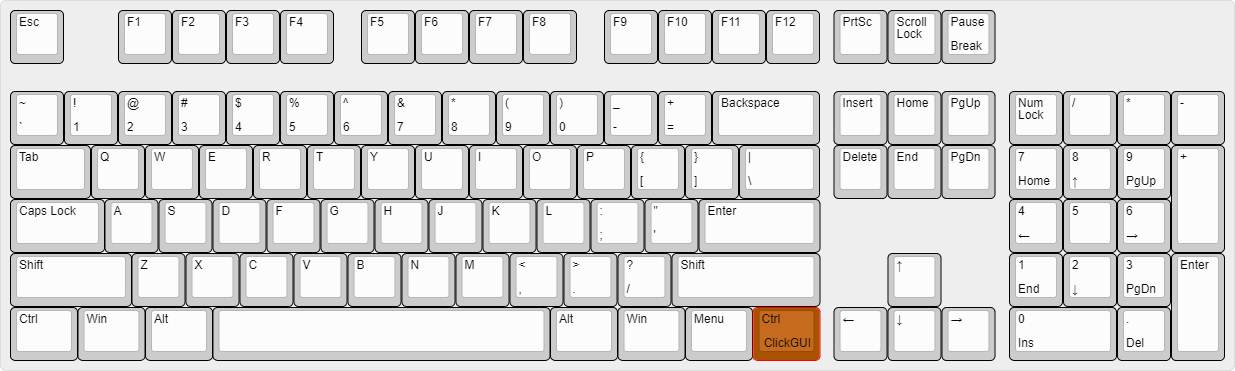
- Right CTRL → ClickGUI
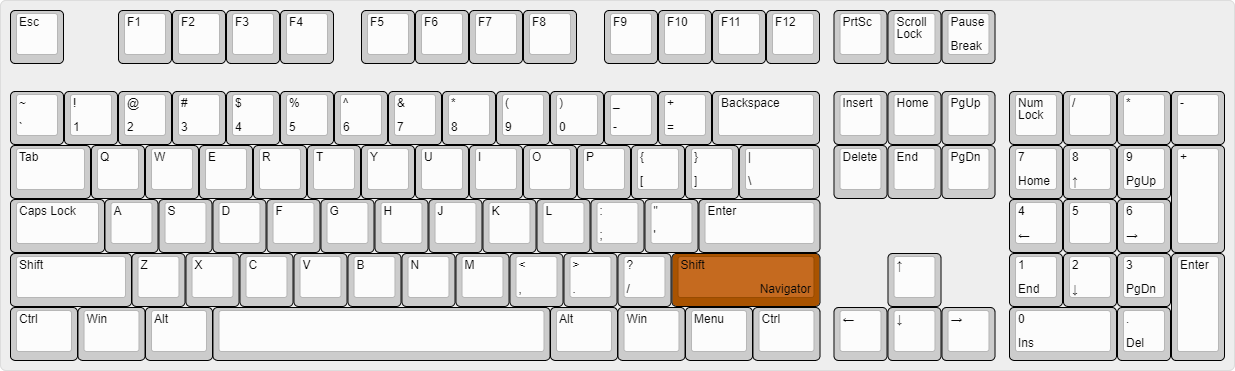
- Right SHIFT → Navigator
- U → Freecam
- X → X-Ray
- Y → Sneak
图形用户界面(GUIs)(3)
Wurst不仅有一个GUI。你可以选择你最喜欢的那一个。
ClickGUI
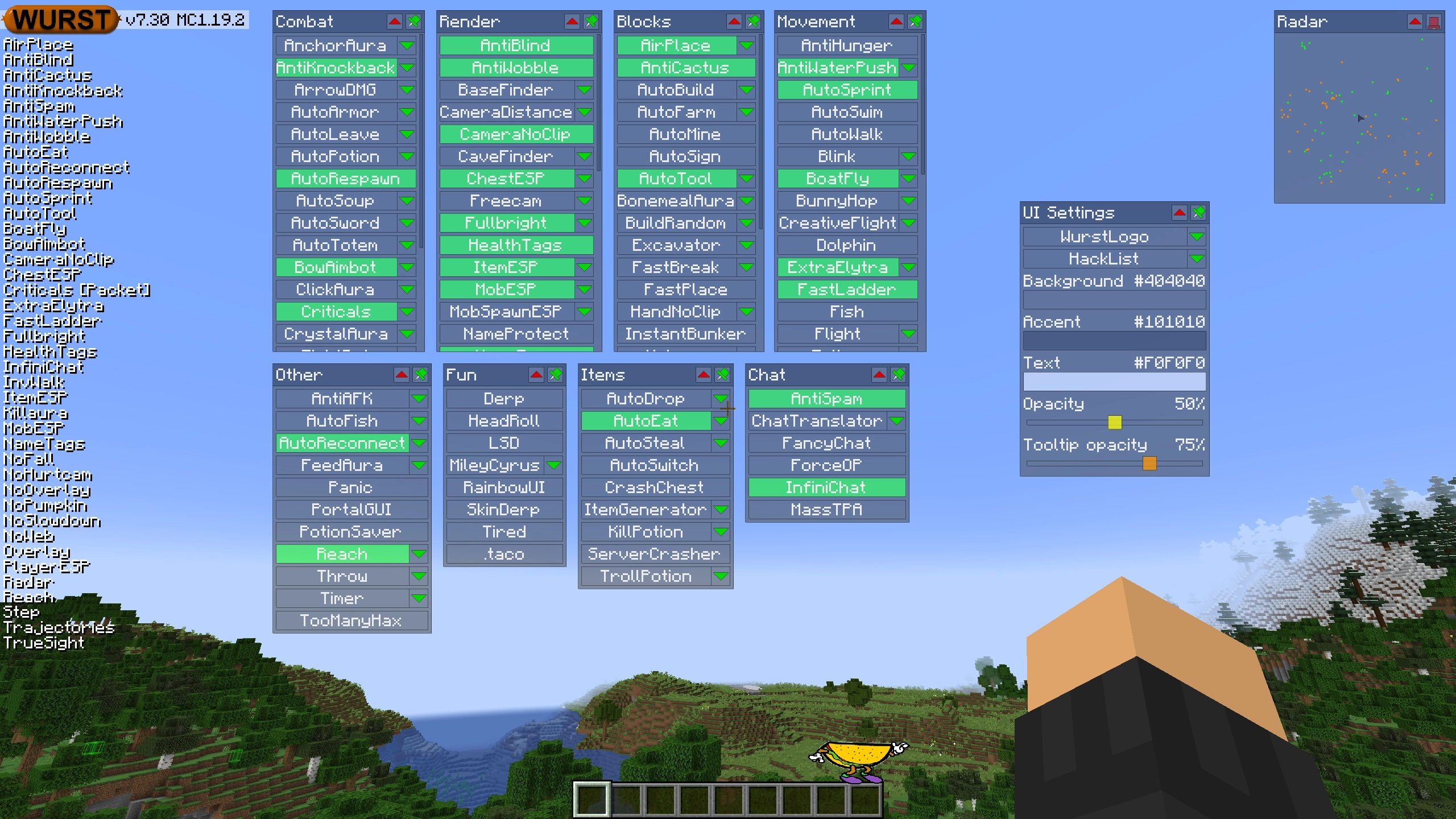
ClickGUI可以通过 右CTRL 键打开。当打开时,它会显示每个类别的窗口,里面包含该类别中所有特性的列表。
导航器(Navigator)
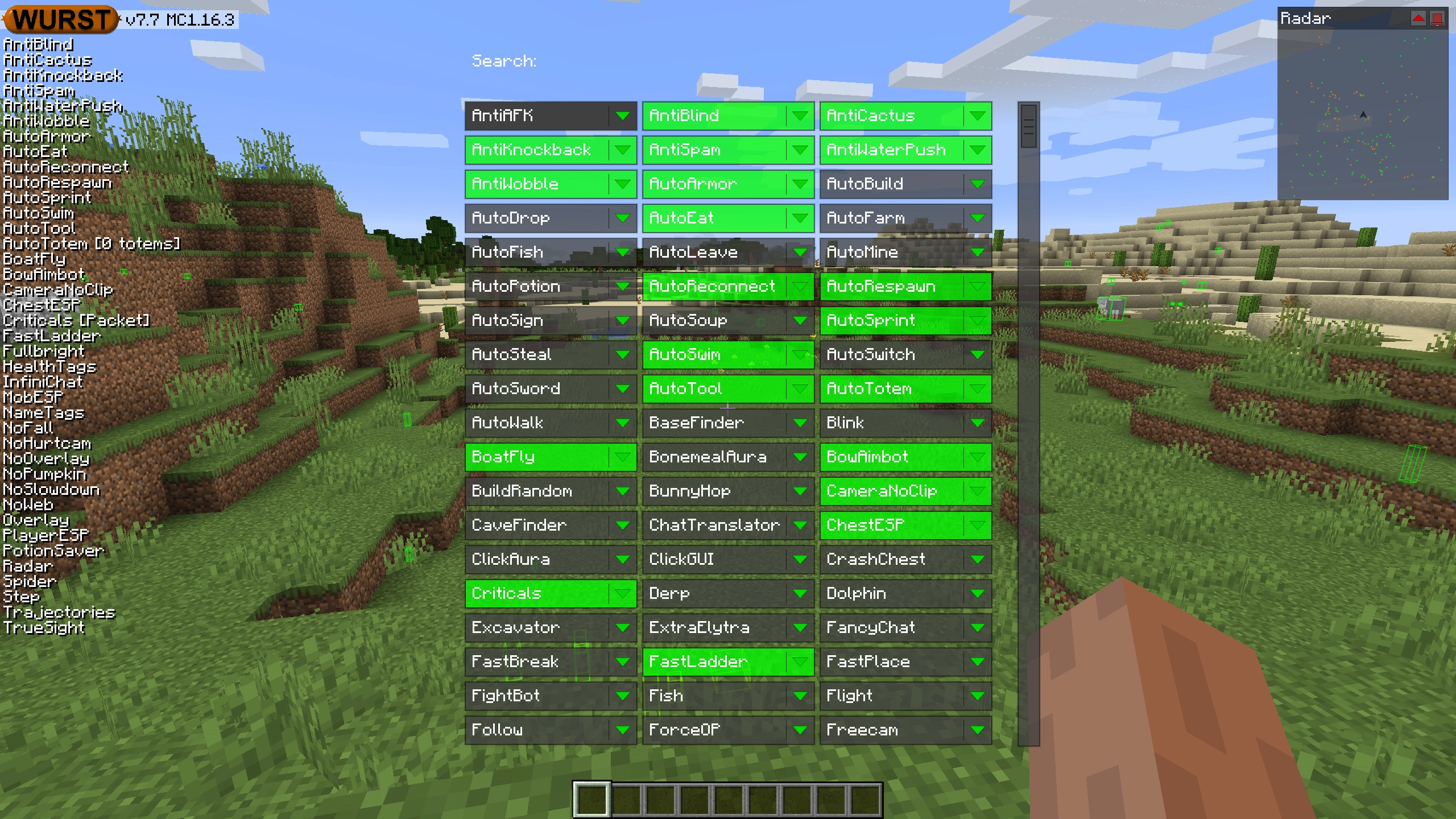
导航器可以通过 右Shift 键打开。当打开时,它会显示Wurst中所有特性的可搜索列表。
TabGUI
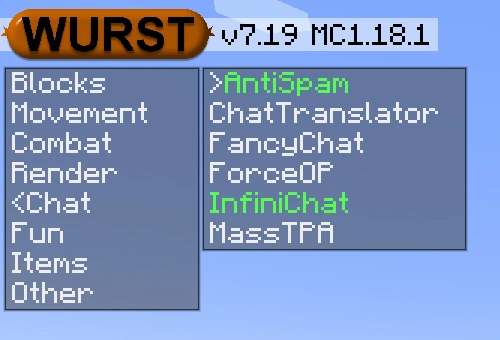
TabGUI没有默认的快捷键。你可以通过打开导航器GUI并搜索“TabGUI”来启用它(别担心,这个过程只需做一次)。
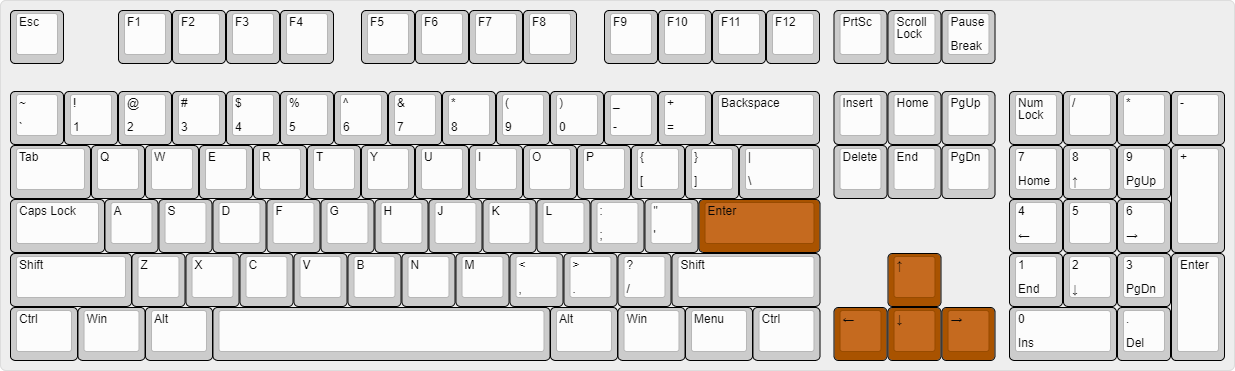
启用后,你可以使用 方向键 来更改选择,使用 Enter 来切换选定的特性。
支持的语言 (15)
翻译尚未完成,因此默认是禁用的。 请前往 Wurst 选项 → 翻译 以启用它们。
- Chinese (Simplified/Mainland)
- Chinese (Traditional/Taiwan)
- Chinese (Cantonese/Hong Kong)
- Czech
- English (US)
- French
- German
- Italian
- Japanese
- Korean
- Polish
- Romanian
- Russian
- Turkish
- Ukrainian
 Fabric API
v0.144.0+26.1
Fabric API
v0.144.0+26.1