
 通过Ko-fi下载
This version of the Wurst Hacked Client is available for Minecraft 1.21.11 and 1.21.10.
Changelog
-
AutoFarm can now harvest and replant sea pickles. (#1239)
-
Renamed AutoFarm’s settings to consistently use “Sentence case” instead of “Title Case”.
-
Added a “Sea pickles” checkbox to BonemealAura.
-
Renamed the “Automation level” setting in BonemealAura to “Take items from” to be consistent with other hacks.
-
Replaced the Fast/Legit Mode in BonemealAura with more granular settings.
-
Added a MultiMeal checkbox to BonemealAura: When checked, BonemealAura can use bone meal on multiple plants at once. (This was previously part of Fast mode.)
-
Added a “Check line of sight” checkbox to BonemealAura. (This was previously part of Legit mode.)
-
Added a “Face target” setting to BonemealAura. (Previous behavior was equivalent to Server in Legit mode and Off in Fast mode.)
-
Added a “Swing hand” setting to BonemealAura. (Previous behavior was equivalent to Client in Legit mode and Off in Fast mode.)
-
Added an “Always FastPlace” checkbox to BonemealAura. (This was previously always off.)
-
Added a “Use while breaking” checkbox to BonemealAura. (This was previously always off.)
-
Added a “Use while riding” checkbox to BonemealAura. (This was previously always off.)
-
Renamed “Disable Wurst” to “DisableWurst”, since feature names aren’t supposed to have spaces. The space also made it impossible to change DisableWurst’s settings through .commands, which is now fixed.
-
Increased the default BonemealAura range to 5, matching AutoFarm’s default range.
-
Searching “bmaura” in Navigator will now find BonemealAura.
Included Features
默认按键绑定 (14)
这些是首次安装Wurst时的默认快捷键。 所有快捷键都可以在 快捷键管理器 中进行完全自定义!
- B → FastPlace & FastBreak(快速放置 & 快速破坏)
- C → Fullbright(夜视)
- G → Flight(飞行)
- ; → SpeedNuker
- H → /home
- J → Jesus
- K → MultiAura
- N → Nuker
- R → Killaura(杀戮光环)
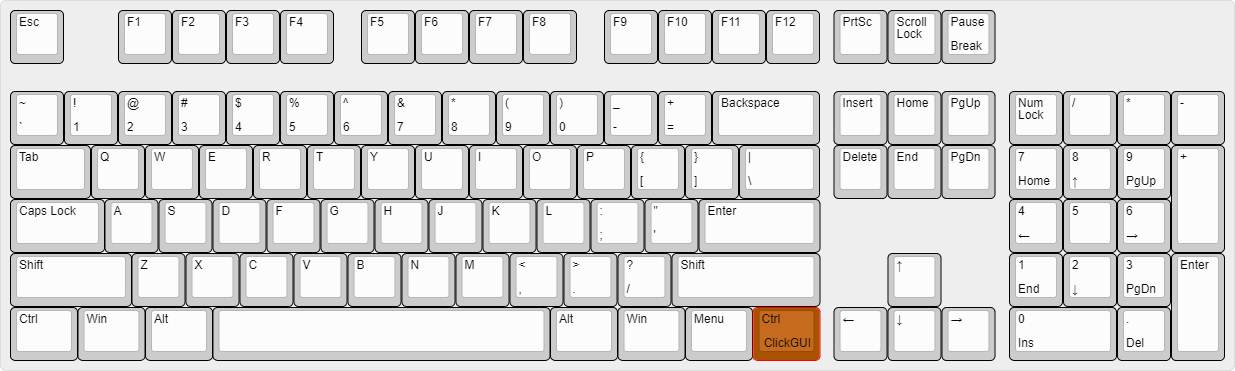
- Right CTRL → ClickGUI
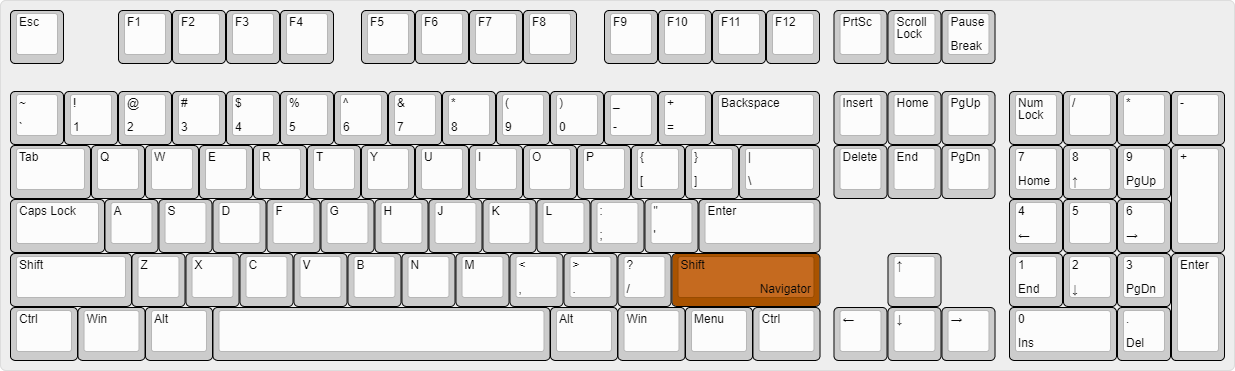
- Right SHIFT → Navigator
- U → Freecam
- X → X-Ray
- Y → Sneak
图形用户界面(GUIs)(3)
Wurst不仅有一个GUI。你可以选择你最喜欢的那一个。
ClickGUI
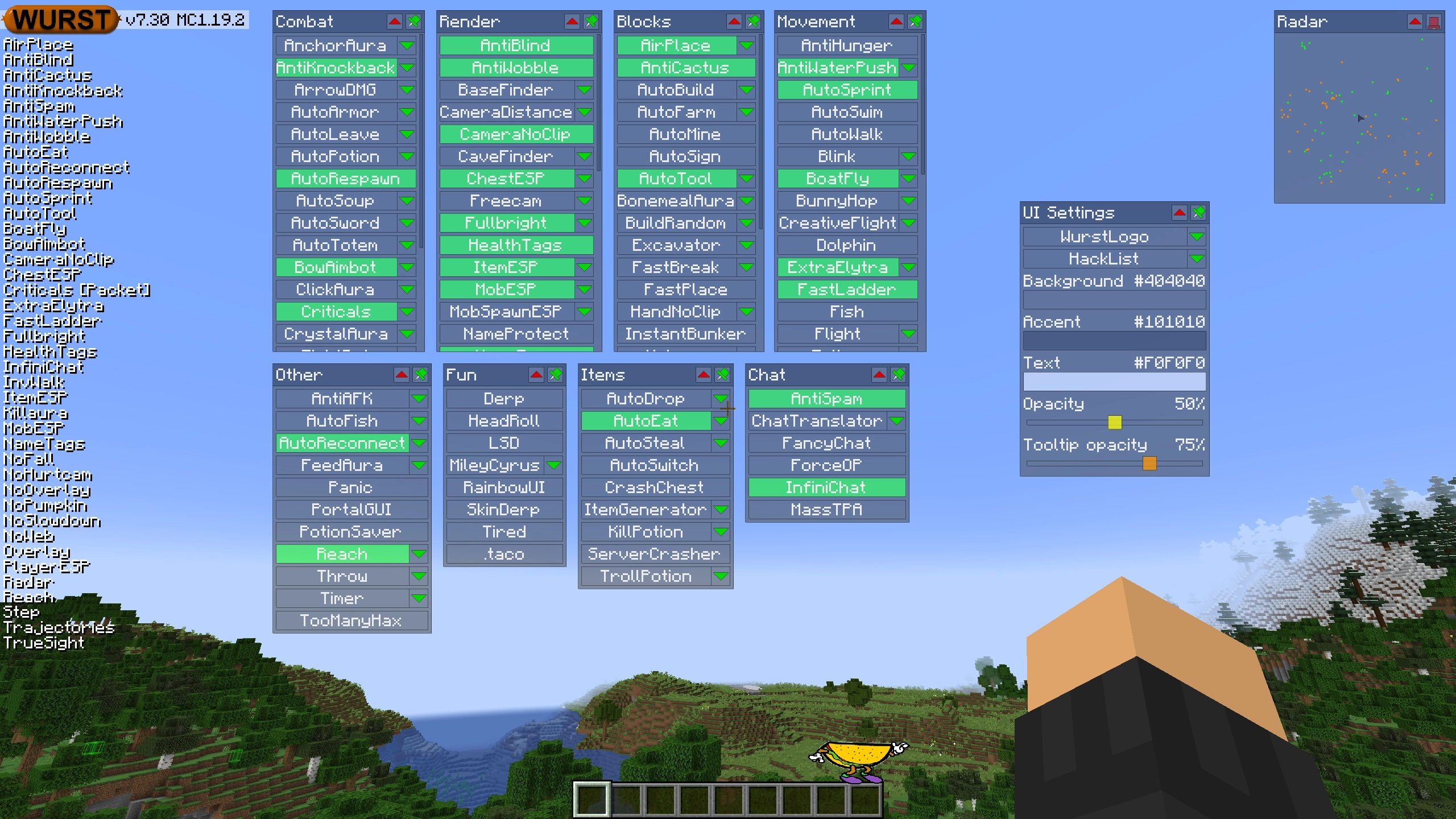
ClickGUI可以通过 右CTRL 键打开。当打开时,它会显示每个类别的窗口,里面包含该类别中所有特性的列表。
导航器(Navigator)
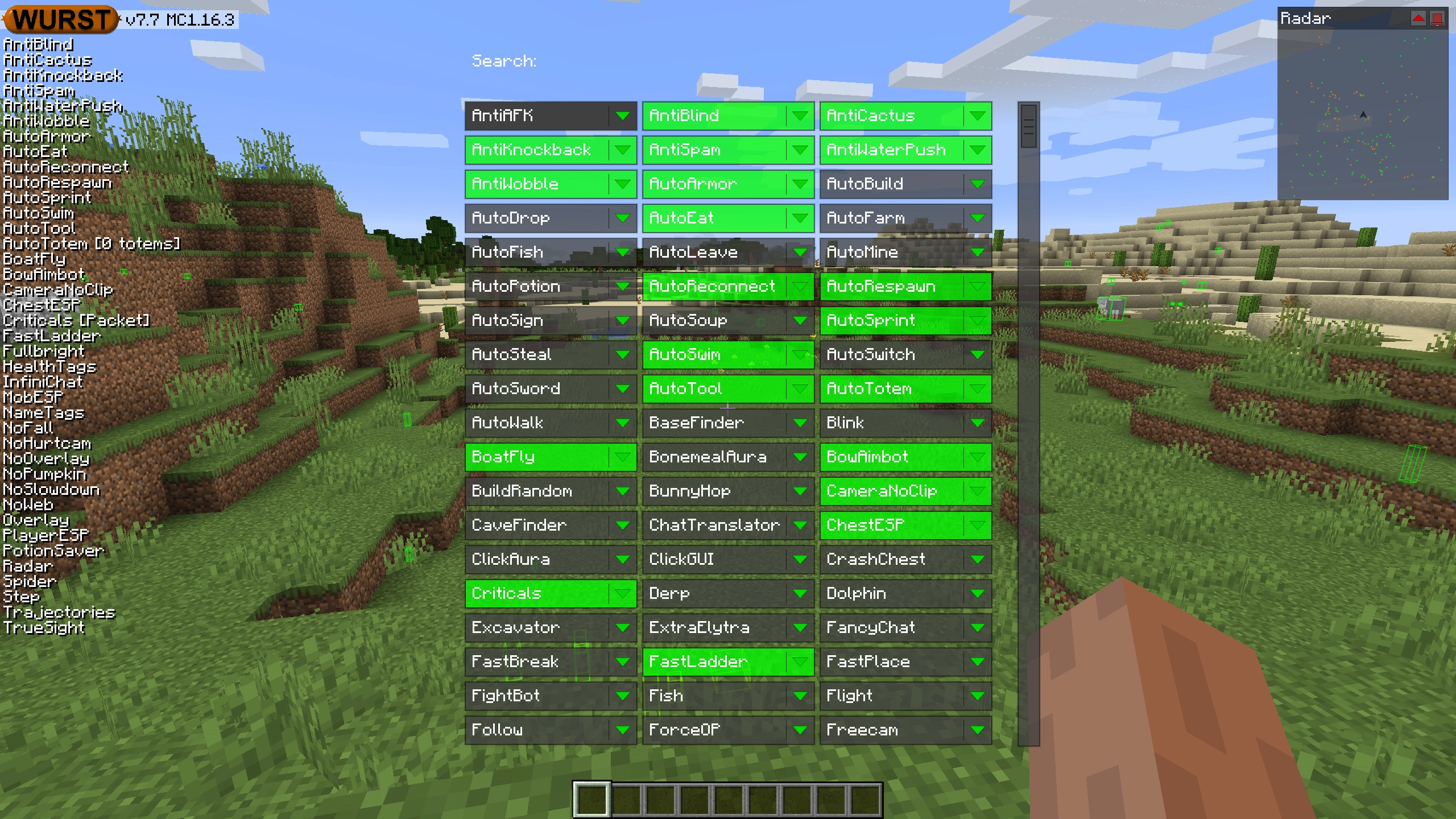
导航器可以通过 右Shift 键打开。当打开时,它会显示Wurst中所有特性的可搜索列表。
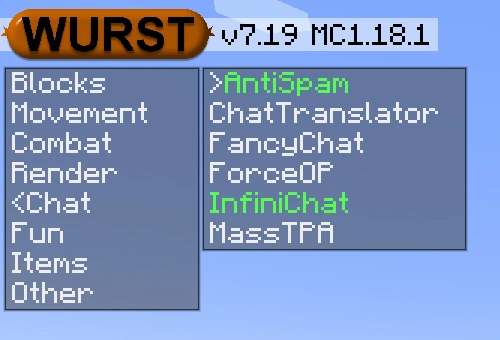
TabGUI
TabGUI没有默认的快捷键。你可以通过打开导航器GUI并搜索“TabGUI”来启用它(别担心,这个过程只需做一次)。
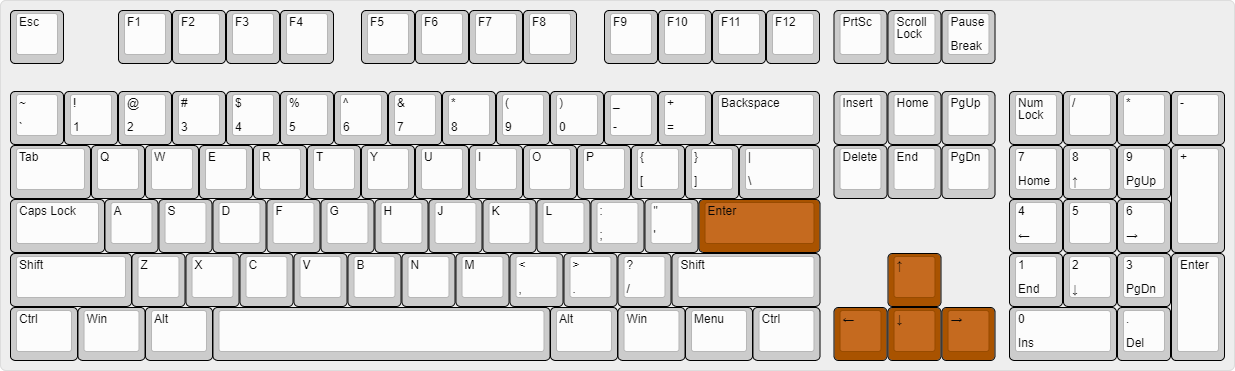
启用后,你可以使用 方向键 来更改选择,使用 Enter 来切换选定的特性。
支持的语言 (15)
翻译尚未完成,因此默认是禁用的。 请前往 Wurst 选项 → 翻译 以启用它们。
- Chinese (Simplified/Mainland)
- Chinese (Traditional/Taiwan)
- Chinese (Cantonese/Hong Kong)
- Czech
- English (US)
- French
- German
- Italian
- Japanese
- Korean
- Polish
- Romanian
- Russian
- Turkish
- Ukrainian